

Make videos smaller.Right on your phone.
No sign-up, no upload.
Your videos stay with you.

Free & no registration · iPhone version coming soon
It's that simple
Three steps. No settings, no experience needed.
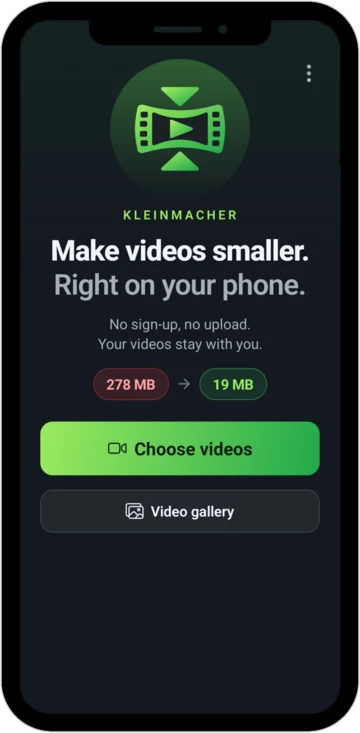
Choose a video
One or several from your gallery.
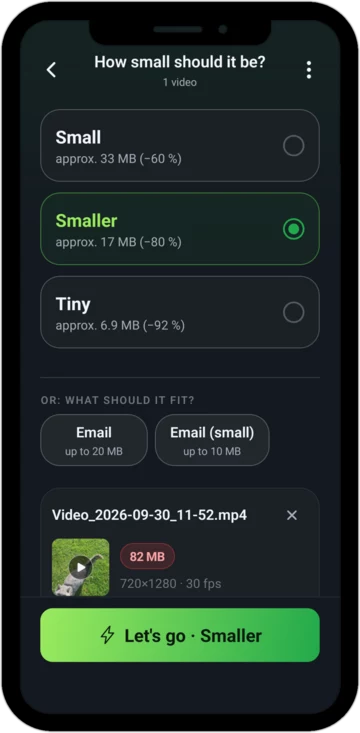
Tap a size
Small, Smaller or Tiny. You see beforehand roughly how big the video will be.
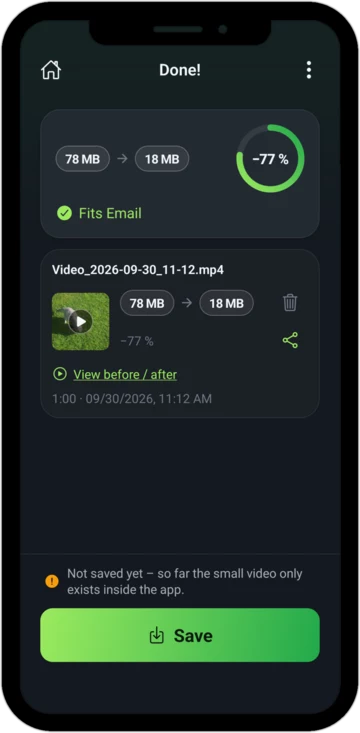
Share or save
Done. You see exactly how much smaller your video has become.
Fits in an email
Want to send your video as an attachment? Just tap “Email”. Kleinmacher makes it small enough to go through.
How big an attachment may be depends on your email provider. If a video is too long for that, Kleinmacher tells you beforehand.
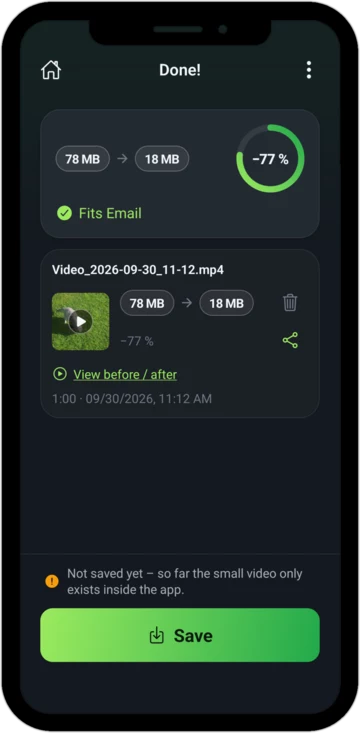
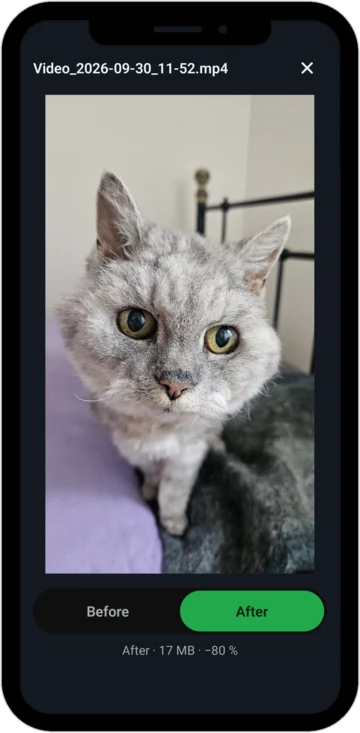
See for yourself
Watch before and after one right after the other. One tap switches between the two.
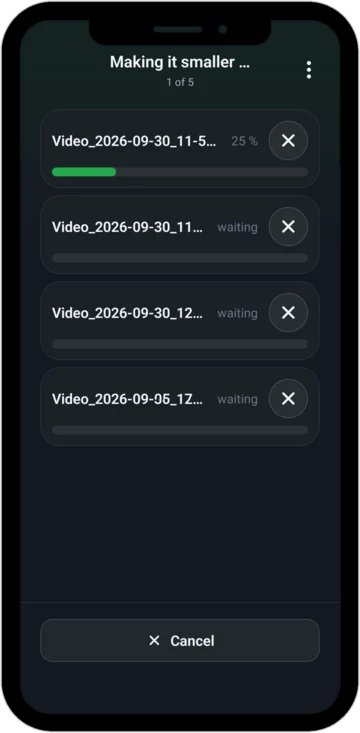
Several at once
Up to ten videos in one go. You see how far along each one is.
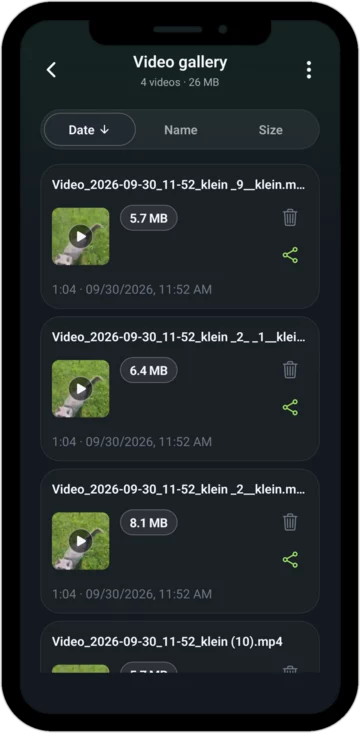
Everything in one place
Whatever you save goes to the “Kleinmacher” album in your gallery.
No catch
No upload
Your video is made smaller on your phone. It never leaves your phone.
No account
No sign-up, no email address, no password. Open the app and go.
Your original stays untouched
The small video is added alongside. Kleinmacher does not touch your original.
Location is removed
Where the video was recorded is no longer stored in the small video. Good when you pass it on.
Portrait stays portrait
Your video keeps its shape. Nothing is rotated or cut off.
All features free
Nothing is locked. The purchase only removes the ads.
Ads – to be honest
Kleinmacher is free and funded by ads. You only see them while your video is being made smaller – during the wait. Never when you open the app and never in the middle of using it.
If they bother you, remove them with a one-time purchase. No subscription.
Frequently asked questions
How do I make a video smaller for an email?
Choose the video and tap “Email” (up to 20 MB) or “Email (small)” (up to 10 MB) – depending on how large attachments may be with your email provider.
How much smaller does the video get?
That depends on length and quality. Beforehand, Kleinmacher shows you roughly how big the video will be. Afterwards you can compare before and after directly.
Does it work with large 4K videos from my phone?
Yes. Long 4K videos in particular become many times smaller.
Do I need an internet connection?
Not for making videos smaller. Your videos are processed right on your phone.
Make your video smaller.
Free, no sign-up, no upload.
Google Play and the Google Play logo are trademarks of Google LLC.